
Table of Contents
As an Amazon Associate, we earn from qualifying purchases. This means we may receive a small commission at no extra cost to you when you buy through links on this page.
What is Graphic Design Software & Why Do You Need It?
Graphic design software is essential for creating visual content, whether you’re a professional designer, a marketing manager, or a social media enthusiast. It goes far beyond the basic capabilities of word processors or presentation software. Dedicated graphic design software offers precise control over visual elements like typography, colour, and imagery, enabling you to produce professional-quality designs.
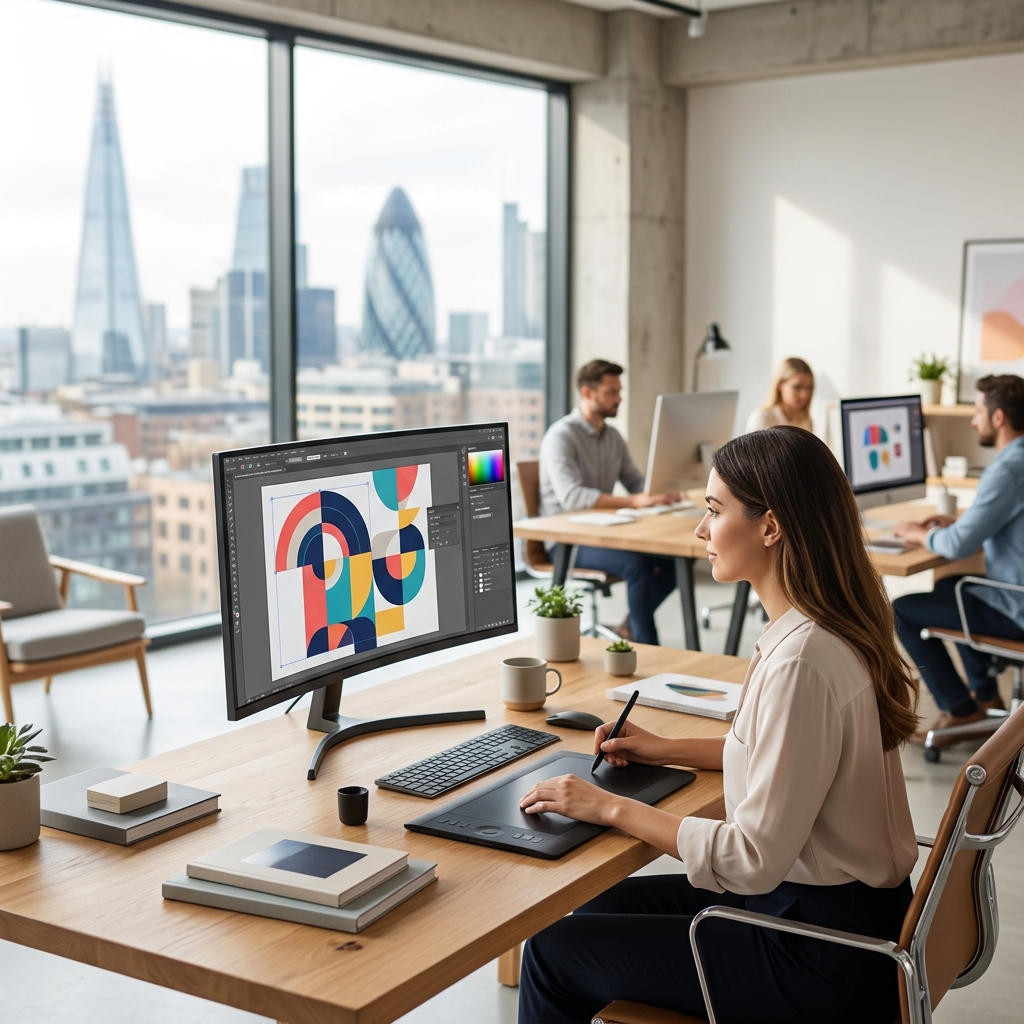
Using dedicated software delivers significant benefits. You can create compelling logos, eye-catching marketing materials (flyers, brochures, posters), engaging social media graphics, and even complex illustrations. The precision and features available simply aren’t matched by simpler tools. For businesses, strong visual branding is crucial for recognition and building trust. For individuals, it’s about expressing creativity and communicating effectively.
Key Features to Consider When Choosing Graphic Design Software
Selecting the right graphic design software requires careful consideration. Here’s a breakdown of essential features:
- Vector Graphics Editing: Crucial for logos and illustrations that need to be scaled without losing quality.
- Raster Graphics Editing: Essential for photo manipulation, digital painting, and working with images that have a fixed resolution.
- Typography Tools: Extensive font libraries, kerning, leading, and text effects are vital for professional-looking designs.
- Colour Management: Accurate colour representation across different devices and printing processes (CMYK, RGB).
- Template Availability: Pre-designed templates can speed up the design process, especially for beginners.
- Collaboration Features: Useful for teams working on projects together – real-time editing, commenting, and version control.
- File Format Compatibility: Support for industry-standard formats like AI (Adobe Illustrator), PSD (Adobe Photoshop), SVG (Scalable Vector Graphics), JPG, PNG, and PDF.
- Ease of Use: The software’s interface and learning curve should match your skill level.
Top Graphic Design Software UK – Our 2026 Picks
We’ve reviewed the leading contenders in the UK graphic design software market in 2026, categorising them based on their ideal user. Whether you’re a beginner, a seasoned professional, or somewhere in between, there’s a software option to suit your needs.
- Adobe Photoshop: Professional photographers and digital artists.
- Adobe Illustrator: Logo designers, illustrators, and graphic designers creating vector-based artwork.
- Affinity Designer: A powerful and affordable alternative to Adobe’s offerings.
- Canva: Beginners, social media marketers, and those needing quick and easy designs.
- CorelDRAW Graphics Suite: Professionals requiring a comprehensive suite for vector illustration, page layout, and photo editing.
- Sketch: (Mac Only) UI/UX designers focusing on screen design.
Adobe Photoshop (2026 Review)
Photoshop remains the industry standard for photo editing and digital painting. The 2026 version boasts improved AI-powered selection tools and enhanced neural filters for realistic image manipulation. Its extensive feature set allows for detailed retouching, compositing, and artistic effects. However, it’s a complex program with a steep learning curve and requires a subscription.
Pricing: £22.89/month (single app) or £59.99/month (Adobe Creative Cloud All Apps).
- Pros: Industry standard, powerful features, excellent photo editing capabilities, AI integration.
- Cons: Expensive subscription model, steep learning curve, resource-intensive.
Adobe Illustrator (2026 Review)
Illustrator is the go-to software for creating vector graphics. The 2026 release includes a revamped Pen tool for more precise drawing and improved gradient controls. It’s ideal for logo design, illustrations, typography, and creating scalable artwork. Like Photoshop, it’s subscription-based and can be challenging for beginners.
Pricing: £22.89/month (single app) or £59.99/month (Adobe Creative Cloud All Apps).
- Pros: Industry standard for vector graphics, scalable artwork, precise control, excellent typography tools.
- Cons: Expensive subscription model, less suited for photo editing, learning curve.
Affinity Designer (2026 Review)
Affinity Designer offers a compelling alternative to Adobe’s suite, with a one-time purchase model that appeals to many. The 2026 version has seen significant performance improvements and added support for live Boolean operations. It handles both vector and raster graphics with ease, making it a versatile choice. While it may not have *every* feature of Photoshop or Illustrator, it provides a professional-level experience at a fraction of the cost.
Pricing: £69.99 (one-time purchase).
- Pros: One-time purchase, powerful features, vector and raster capabilities, excellent performance.
- Cons: Smaller user community than Adobe, fewer advanced features compared to Photoshop/Illustrator.
Canva (2026 Review)
Canva is renowned for its ease of use and extensive template library. The 2026 update introduces an AI-powered ‘Magic Design’ feature that automatically generates designs based on your input. It’s perfect for beginners, social media marketers, and anyone needing to create quick and visually appealing graphics. The Pro version unlocks more templates, features, and storage.
Pricing: £10.99/month (Canva Pro).
- Pros: Extremely easy to use, huge template library, excellent collaboration features, affordable.
- Cons: Limited advanced features, less control over design elements, reliance on templates.
CorelDRAW Graphics Suite (2026 Review)
CorelDRAW is a comprehensive suite encompassing vector illustration, page layout, and photo-editing tools. The 2026 version boasts improved collaboration features and a streamlined interface. It’s a strong contender for professionals who need an all-in-one solution, particularly those working with print media. The subscription model offers flexibility.
Pricing: £269/year (subscription).
- Pros: All-in-one solution, vector illustration, page layout, photo editing, improved collaboration.
- Cons: Can be complex, subscription model, less widely used than Adobe.
Sketch (2026 Review) – Mac Only
Sketch is a vector-based design tool specifically tailored for UI/UX design. The 2026 release focuses on streamlining prototyping workflows and improving plugin integration. Its plugin ecosystem is a major strength, offering a vast array of tools to enhance functionality. However, it’s exclusively available for macOS.
Pricing: £99/year (subscription).
- Pros: UI/UX design focus, vector editing, plugin ecosystem, streamlined interface.
- Cons: Mac only, less versatile for general graphic design tasks.
Free Graphic Design Software Options (UK)
If you’re on a tight budget, several free options are available:
- GIMP: A powerful open-source raster graphics editor, similar to Photoshop.
- Inkscape: A versatile open-source vector graphics editor, comparable to Illustrator.
- Krita: A free digital painting program, geared towards artists.
These tools are excellent starting points, but they may lack the polish and advanced features of paid software. The user interface can also be less intuitive.
Choosing the Right Software: A Quick Guide
Here’s a table summarising the key features and pricing to help you decide:
| Software | Pricing | Vector Graphics | Raster Graphics | Ease of Use | Target User |
|---|---|---|---|---|---|
| Adobe Photoshop | £22.89/month | No | Yes | Difficult | Photographers, Digital Artists |
| Adobe Illustrator | £22.89/month | Yes | Limited | Difficult | Logo Designers, Illustrators |
| Affinity Designer | £69.99 | Yes | Yes | Moderate | Professionals, Enthusiasts |
| Canva | £10.99/month | Limited | Limited | Easy | Beginners, Social Media Marketers |
| CorelDRAW Graphics Suite | £269/year | Yes | Yes | Moderate | All-in-One Professionals |
| Sketch | £99/year | Yes | Limited | Moderate | UI/UX Designers (Mac Only) |
Future Trends in Graphic Design Software (2026 & Beyond)
The graphic design landscape is constantly evolving. We’re seeing increasing integration of:
- AI-Powered Design Tools: AI is automating repetitive tasks, generating design suggestions, and even creating entire designs from prompts.
- Cloud-Based Collaboration: Real-time collaboration and seamless file sharing are becoming the norm.
- Augmented Reality (AR) Integration: Designers are exploring ways to integrate designs into AR experiences, creating interactive and immersive visuals.
- No-Code Design Platforms: These platforms are empowering users with limited coding knowledge to create interactive designs and prototypes.
The future of graphic design software will be marked by greater automation, accessibility, and integration with emerging technologies.
FAQ
What software is best for logo design?
Adobe Illustrator and Affinity Designer are both excellent choices for logo design due to their vector graphics capabilities. Canva is a good option for simple logos.
Is Photoshop difficult to learn?
Yes, Photoshop has a steep learning curve due to its vast array of features and complex interface. However, numerous online tutorials and resources are available to help you get started.
Can I create social media graphics with free software?
Yes, you can use GIMP, Inkscape, or Canva (free version) to create social media graphics. Canva is particularly well-suited for this purpose due to its pre-designed templates.
What is the difference between vector and raster graphics?
Vector graphics are based on mathematical equations and can be scaled infinitely without losing quality. Raster graphics are made up of pixels and have a fixed resolution. Vector graphics are ideal for logos and illustrations, while raster graphics are best for photos.
Is a subscription model worth it?
That depends on your usage. If you use the software frequently and need access to the latest features and updates, a subscription can be worthwhile. If you only use it occasionally, a one-time purchase option like Affinity Designer might be more cost-effective.