Table of Contents
As an Amazon Associate, we earn from qualifying purchases. This means we may receive a small commission at no extra cost to you when you buy through links on this page.
What is Graphic Design Software & Why Do You Need It?
Graphic design software is essential for creating visual content, ranging from simple social media posts to complex branding materials. In 2026, its importance has only grown. Businesses of all sizes rely on impactful visuals for marketing, advertising, and communication. This includes everything from logos and website layouts to brochures and product packaging. A strong visual identity builds brand recognition, attracts customers, and conveys your message effectively.
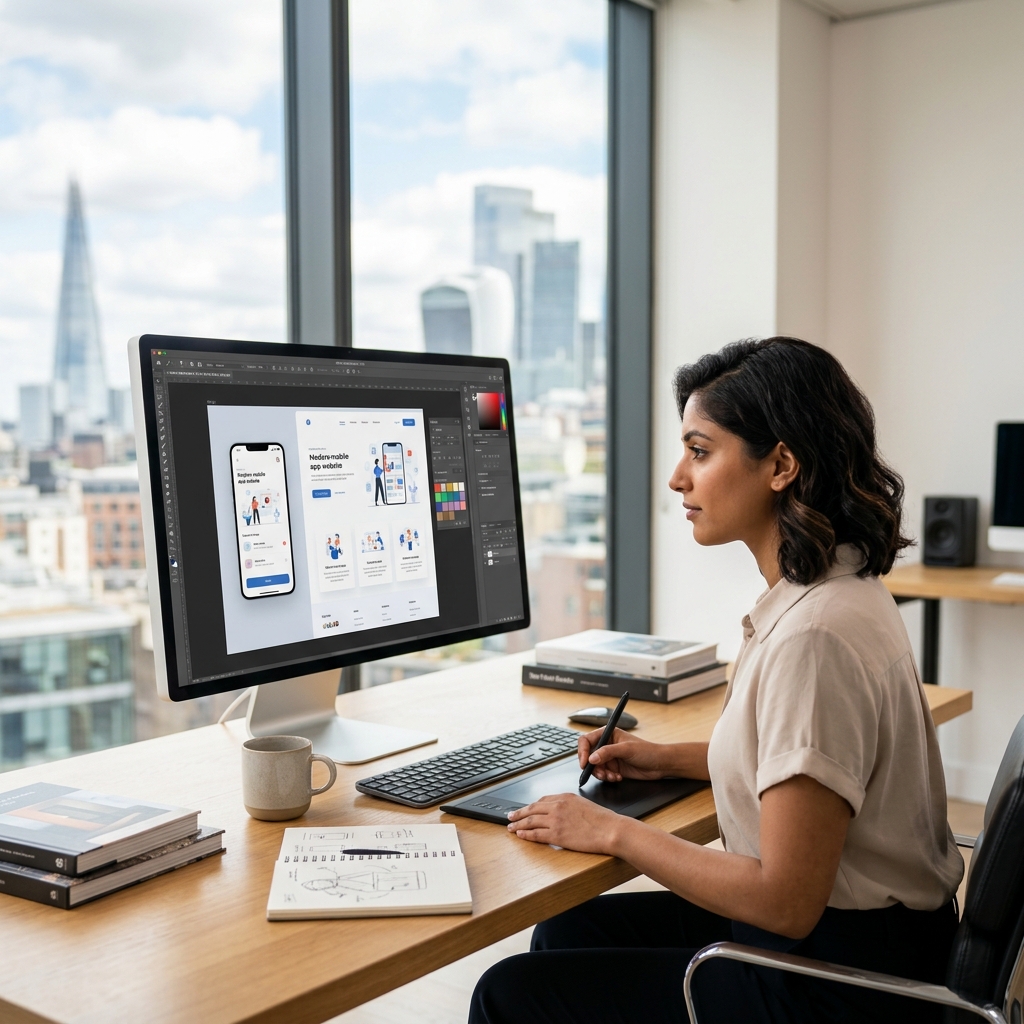
The role of Artificial Intelligence (AI) is increasingly significant. Many software packages now include AI-powered tools for automated tasks like image upscaling, background removal, and even generating design ideas. While AI won’t replace designers, it’s becoming a powerful assistant, streamlining workflows and allowing for greater creativity.
Key Features to Consider in 2026
When choosing graphic design software, consider these essential features:
- Vector Graphics Support: Crucial for creating scalable graphics that don’t lose quality when resized (logos, illustrations).
- Raster Editing Capabilities: Essential for photo editing, manipulation, and retouching.
- Cloud Collaboration: Allows multiple users to work on the same project simultaneously, improving teamwork.
- AI-Powered Tools: Features like automatic object selection, content-aware fill, and style transfer can significantly speed up tasks.
- Template Libraries: Pre-designed templates for various projects (social media, presentations, posters) save time and effort.
- Font Management: Organising and accessing a wide range of fonts is vital for professional design.
- Export Options: Support for various file formats (PSD, AI, SVG, PNG, JPG) is necessary for different applications.
- File Compatibility: Ensuring compatibility with industry-standard formats allows for seamless collaboration with clients and other designers.
Top Graphic Design Software UK – Our 2026 Picks
Here’s a detailed look at the leading graphic design software options available in the UK in 2026:
Adobe Creative Cloud (Photoshop, Illustrator, InDesign)
Adobe remains the industry standard for professional graphic design. The Creative Cloud suite offers a comprehensive set of tools for all your design needs.
- Photoshop: For advanced photo editing, compositing, and digital painting.
- Illustrator: For creating vector graphics, logos, illustrations, and typography.
- InDesign: For page layout and design, ideal for brochures, magazines, and books.
Pricing:
- Adobe Creative Cloud All Apps (Monthly): £59.94
- Adobe Photoshop (Monthly): £23.94
- Adobe Illustrator (Monthly): £23.94
Pros: Industry standard, powerful features, seamless integration, vast online resources and tutorials, AI integration (Adobe Sensei).
Cons: Expensive subscription model, steep learning curve, can be resource-intensive.
Ideal User: Professional designers, photographers, and publishers who require the most advanced features and seamless integration.
Canva
Canva is a user-friendly, web-based graphic design tool that’s perfect for beginners and those who need to create quick visuals.
Pricing:
- Canva Pro (Monthly): £12.99
Pros: Easy to use, massive template library, collaborative features, affordable, great for social media graphics.
Cons: Limited advanced features compared to Adobe, less control over design elements, reliant on internet connection.
Ideal User: Social media managers, marketers, small business owners, and anyone needing to create visually appealing content quickly and easily.
Affinity Designer & Affinity Photo
Affinity Designer and Affinity Photo are powerful alternatives to Adobe Illustrator and Photoshop, respectively. They offer a professional-grade feature set at a fraction of the cost.
Pricing:
- Affinity Designer (One-Time Purchase): £69.99
- Affinity Photo (One-Time Purchase): £69.99
Pros: Affordable one-time purchase, professional-level features, fast performance, no subscription required.
Cons: Smaller user base than Adobe, fewer online resources and tutorials, integration with other software can be limited.
Ideal User: Designers and photographers who want a professional-grade tool without the ongoing cost of a subscription.
CorelDRAW Graphics Suite
CorelDRAW Graphics Suite is a comprehensive vector graphics editor with strong page layout capabilities.
Pricing:
- CorelDRAW Graphics Suite (Annual Subscription): £269.00
Pros: Robust vector illustration tools, strong page layout features, versatile for various design tasks.
Cons: Can be complex to learn, subscription-based, less prevalent in some industries compared to Adobe.
Ideal User: Graphic designers, illustrators, and print professionals working with vector graphics and page layout.
Sketch (Mac Only)
Sketch is a vector-based design tool specifically tailored for UI/UX design.
Pricing:
- Sketch (Annual Subscription): £99.00
Pros: Focus on UI/UX design, lightweight and fast, extensive plugin ecosystem, collaborative features.
Cons: Mac-only, limited features for print design, less versatile than Adobe Illustrator.
Ideal User: UI/UX designers, web designers, and app developers who need a dedicated tool for interface design.
Gravit Designer
Gravit Designer is a free and cloud-based vector graphic design tool that’s accessible on any device.
Pros: Free to use, cloud-based accessibility, user-friendly interface, good for basic vector graphics.
Cons: Limited advanced features, requires internet connection, fewer customization options.
Ideal User: Beginners, students, and anyone needing a free and accessible tool for simple vector graphics.
Choosing the Right Software: A Quick Guide
| User Type | Budget | Project Type | Recommended Software |
|---|---|---|---|
| Beginner | Low | Social Media, Simple Graphics | Canva, Gravit Designer |
| Hobbyist | Medium | Photo Editing, Illustration | Affinity Photo, Affinity Designer |
| Professional | High | Complex Designs, Branding, Print | Adobe Creative Cloud |
| UI/UX Designer | Medium | Interface Design, Prototyping | Sketch |
Future Trends in Graphic Design Software (2026 & Beyond)
The graphic design landscape is constantly evolving. Here are some key trends to watch:
- AI-Powered Design Tools: Expect even more sophisticated AI features, including automated layout generation, style recommendations, and content creation.
- Augmented Reality (AR) Integration: Designing for AR experiences will become increasingly important, requiring software that supports 3D modelling and AR workflows.
- No-Code Design Platforms: Platforms that allow users to create complex designs without coding knowledge will gain popularity.
- Real-time Collaboration: Enhanced collaboration features will further streamline teamwork and remote work.
- Generative AI: Tools that allow designers to create variations of designs based on prompts will become more commonplace.
FAQ
What is the best graphic design software for a complete beginner?
Canva is an excellent choice for beginners due to its user-friendly interface and extensive template library. Gravit Designer is also a good free option.
Is Adobe Creative Cloud worth the cost?
If you’re a professional designer or require the most advanced features, Adobe Creative Cloud is a worthwhile investment. However, consider your needs and budget carefully.
What are the alternatives to Adobe Photoshop?
Affinity Photo is a powerful and affordable alternative to Photoshop, offering a similar feature set without the subscription cost.
Can I create logos with Canva?
Yes, Canva offers a wide range of logo templates and design tools, but for complex or highly customized logos, Adobe Illustrator or Affinity Designer are better choices.
Will AI replace graphic designers?
While AI will automate some tasks, it’s unlikely to replace graphic designers entirely. AI is a tool that can assist designers, but it lacks the creativity, strategic thinking, and artistic judgment that are essential for effective design.