
Table of Contents
As an Amazon Associate, we earn from qualifying purchases. This means we may receive a small commission at no extra cost to you when you buy through links on this page.
Introduction: The UK Video Editing Landscape in 2026
The demand for video content in the UK continues to surge in 2026, driven by the ever-increasing popularity of social media platforms like TikTok, Instagram, and YouTube, alongside a growing need for engaging video marketing for businesses. Short-form video remains dominant, but high-quality, longer-form content is also experiencing a revival. We’re witnessing a significant shift towards AI-powered editing tools, making professional techniques more accessible to everyone. Remote collaboration is now standard, demanding software with robust cloud integration. Choosing the right video editing software is therefore more crucial than ever, impacting both productivity and the final quality of your work. This guide will navigate you through the best options available in the UK market today.
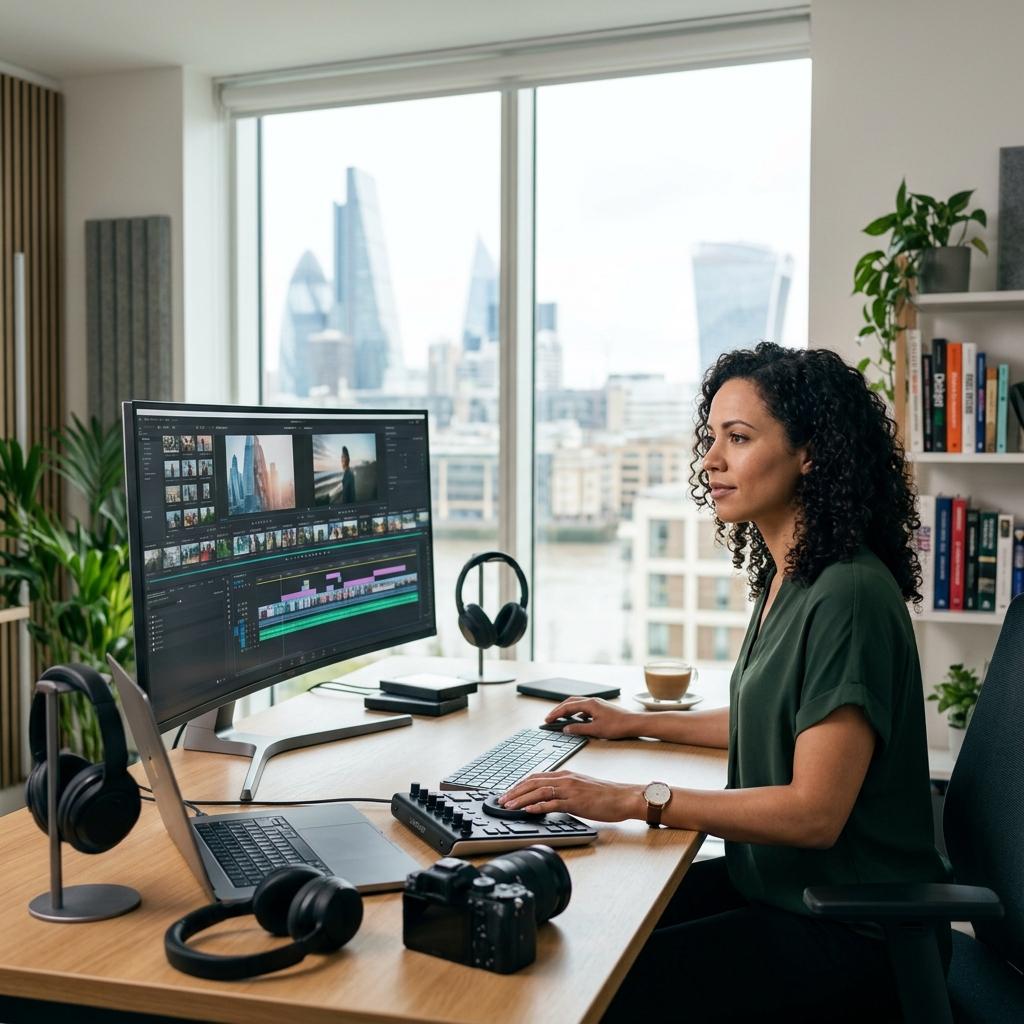
What to Look For in Video Editing Software (2026)
Selecting the correct video editing software requires careful consideration of several key features. Here’s a breakdown:
- Resolution Support: Crucially, support for at least 4K is now expected, with 8K becoming increasingly important for future-proofing.
- Multi-Cam Editing: Essential for projects involving footage from multiple cameras (e.g., interviews, live events).
- Colour Correction & Grading: Powerful tools for adjusting and enhancing the visual look of your videos.
- Audio Editing: Integrated audio editing capabilities (noise reduction, mixing, mastering) are vital.
- Motion Graphics: The ability to create and incorporate animated titles, transitions, and effects.
- AI Tools: Look for features like auto-editing, scene detection, object tracking, and text-to-speech functionality.
- Ease of Use: An intuitive interface is paramount, especially for beginners.
- Platform Compatibility: Ensure the software is compatible with your operating system (Windows, macOS, or Linux).
- Export Options: Support for various file formats (MP4, MOV, AVI, etc.) and codecs is essential.
- Collaboration Features: Cloud storage and sharing options for team projects are increasingly important.
Top Video Editing Software for Beginners (UK 2026)
These options are ideal for those new to video editing, offering user-friendly interfaces and streamlined workflows.
CapCut_FreePro”>CapCut (Free/Pro)
CapCut has become a dominant force, especially for mobile editing, but its desktop version is also impressively capable. It’s incredibly easy to learn and offers a wide range of effects and transitions. The Pro version unlocks additional features and removes watermarks.
- Pros: Free to use, incredibly intuitive, excellent for social media content, large library of effects.
- Cons: Limited advanced features, can feel restrictive for complex projects.
Filmora (Wondershare)
Filmora strikes a good balance between simplicity and power. It’s a step up from CapCut in terms of features but remains accessible to beginners. The ‘Wondershare Filmora Effects’ add-on (£79.99) provides even more creative options.
- Pros: User-friendly interface, good range of effects and transitions, affordable subscription (£49.99/year).
- Cons: Can be resource-intensive, some advanced features are lacking.
iMovie (Free – macOS only)
If you’re on a Mac, iMovie is a fantastic starting point. It’s pre-installed, easy to use, and offers surprisingly powerful features for basic editing.
- Pros: Free, macOS integration, simple interface, good for quick edits.
- Cons: macOS only, limited advanced features.
Best Intermediate Video Editors (UK 2026)
These editors provide more control and features for those with some editing experience.
Adobe Premiere Elements
A simplified version of Premiere Pro, Elements offers a good balance of features and ease of use. It’s ideal for users who want more control than Filmora but aren’t ready for the complexity of Premiere Pro.
- Pros: More advanced features than Filmora, guided edits, AI-powered features.
- Cons: Still a subscription model, not as powerful as Premiere Pro.
CyberLink PowerDirector
PowerDirector is known for its speed and efficiency. It offers a comprehensive set of features, including multi-cam editing and motion tracking.
- Pros: Fast rendering times, wide range of features, good value for money (£59.99/year).
- Cons: Interface can be cluttered, some features are less intuitive.
DaVinci Resolve (Free/Studio)
DaVinci Resolve is a professional-grade editor that also offers a free version with a surprising amount of power. It’s particularly strong in colour grading.
- Pros: Free version is very capable, industry-standard colour correction tools, excellent audio editing.
- Cons: Steeper learning curve, Studio version (£260) is expensive.
Professional-Grade Video Editing Software (UK 2026)
These are the industry-standard tools used by professionals for complex projects.
Adobe Premiere Pro
The industry leader, Premiere Pro offers unparalleled control and flexibility. It’s a complex program, but the vast range of features and integrations makes it the go-to choice for many professionals (£20.99/month).
- Pros: Industry standard, comprehensive features, excellent integration with other Adobe products.
- Cons: Expensive subscription, steep learning curve.
DaVinci Resolve Studio
Increasingly popular amongst professionals, Resolve Studio is a powerful all-in-one solution for editing, colour correction, visual effects, and audio post-production.
- Pros: Excellent colour grading tools, powerful visual effects, comprehensive audio editing.
- Cons: Steeper learning curve, expensive one-time purchase (£260).
Final Cut Pro (macOS only)
Apple’s professional editor is known for its speed and efficiency, particularly on Apple hardware (£299.99).
- Pros: Optimized for macOS, fast rendering times, excellent organization tools.
- Cons: macOS only, less versatile than Premiere Pro.
Avid Media Composer
Traditionally used in film and television, Avid Media Composer is known for its robust media management capabilities.
- Pros: Industry standard for film and TV, excellent media management.
- Cons: Complex interface, expensive subscription.
AI-Powered Video Editing Software in 2026: A Rising Trend
AI is revolutionising video editing, automating tedious tasks and making advanced techniques more accessible.
RunwayML
RunwayML is a browser-based platform that uses AI to generate and edit videos. It offers a wide range of tools, including object tracking, style transfer, and text-to-video generation (£12/month).
- Pros: Innovative AI features, easy to use, web-based.
- Cons: Requires a stable internet connection, some features are still experimental.
Descript
Descript focuses on audio and video editing based on text transcripts. It’s particularly useful for podcasting and video interviews.
- Pros: Text-based editing, powerful audio editing features, excellent for interviews.
- Cons: Can be expensive for heavy users.
Pictory
Pictory specialises in creating short-form videos from long-form content, such as blog posts and articles.
- Pros: Automates video creation from text, good for social media marketing.
- Cons: Limited control over editing, can produce generic-looking videos.
Cloud-Based Video Editing: Collaborate Anywhere (UK 2026)
Cloud-based editors are ideal for team projects and remote collaboration.
WeVideo
WeVideo offers a collaborative editing environment with a range of features and integrations.
- Pros: Cloud-based collaboration, easy to use, good for education.
- Cons: Limited advanced features, requires a stable internet connection.
Clipchamp (Microsoft)
Microsoft’s Clipchamp is a surprisingly powerful cloud-based editor that’s integrated with Windows.
- Pros: Windows integration, user-friendly interface, good for social media content.
- Cons: Requires a Microsoft account, limited advanced features in the free version.
Vimeo Create
Vimeo Create focuses on creating professional-looking videos quickly and easily, with a library of templates and stock footage.
- Pros: Easy to use, good for marketing videos, integrated with Vimeo.
- Cons: Limited customization options, can be expensive.
Video Editing Software Pricing Comparison (UK 2026)
| Software | Pricing Model | Approximate Cost (GBP) |
|---|---|---|
| Adobe Premiere Pro | Subscription | £20.99/month |
| DaVinci Resolve Studio | One-Time Purchase | £260 |
| Filmora | Subscription | £49.99/year |
| CyberLink PowerDirector | Subscription | £59.99/year |
| Final Cut Pro | One-Time Purchase | £299.99 |
| RunwayML | Subscription | £12/month |
| Wondershare Filmora Effects | Add-on | £79.99 |
| CapCut | Free / Subscription | Free / Varies |
| iMovie | Free | Free |
Choosing the Right Software: A Quick Guide
Here’s a quick guide to help you choose the best software for your needs:
| User Type | Budget | Recommended Software |
|---|---|---|
| Beginner | Free | CapCut, iMovie (macOS) |
| Beginner | Low (£50/year) | Filmora |
| Intermediate | Medium (£100-£300) | DaVinci Resolve (Free/Studio), CyberLink PowerDirector |
| Professional | High (£20+/month or £250+) | Adobe Premiere Pro, DaVinci Resolve Studio, Final Cut Pro (macOS) |
Future of Video Editing Software (2026 & Beyond)
The future of video editing is exciting. We can expect to see even more powerful AI tools, including neural filters and automated colour grading. Volumetric video and immersive experiences (VR/AR) will become increasingly common, requiring new editing techniques and software. Real-time collaboration will become even more seamless, and cloud-based editing will continue to grow in popularity. The line between editing and visual effects will blur, with AI-powered tools making advanced VFX techniques accessible to a wider audience.
FAQ
What is the easiest video editing software to learn?
CapCut is generally considered the easiest to learn, particularly for beginners. Its intuitive interface and simple workflow make it accessible to anyone.
Is DaVinci Resolve worth learning?
Absolutely. While it has a steeper learning curve, DaVinci Resolve is a powerful and versatile editor, particularly strong in colour grading. The free version is incredibly capable, making it a great investment of your time.
Can I edit 8K video on my current computer?
That depends on your computer’s specifications. Editing 8K video requires a powerful processor, plenty of RAM (at least 32GB recommended), and a dedicated graphics card. Check the system requirements of your chosen software.
What are the benefits of cloud-based video editing?
Cloud-based editing allows for real-time collaboration, accessibility from any device with an internet connection, and automatic backups. It’s ideal for team projects and remote work.
Is Adobe Premiere Pro still the industry standard?
Yes, Adobe Premiere Pro remains the industry standard for professional video editing, due to its comprehensive features, integration with other Adobe products, and widespread adoption in the industry.