
Table of Contents
As an Amazon Associate, we earn from qualifying purchases. This means we may receive a small commission at no extra cost to you when you buy through links on this page.
Why Use Invoicing Software with Late Fees?
Late payments are a persistent headache for UK businesses, significantly impacting cash flow and operational stability. Chasing invoices eats into valuable time that could be spent growing your business. Invoicing software with automated late fee application tackles this problem head-on, offering a multitude of benefits. Firstly, it dramatically improves cash flow – incentivising prompt payment and reducing the time it takes to receive funds. Secondly, it reduces the administrative burden associated with manually calculating and applying late fees, sending reminders, and dealing with disputes. Finally, it projects a professional image, demonstrating that you have clear payment terms and are serious about enforcing them. The average SME in the UK is currently waiting 57 days for invoice payment (2026 figures), making robust invoicing and late fee enforcement more critical than ever.
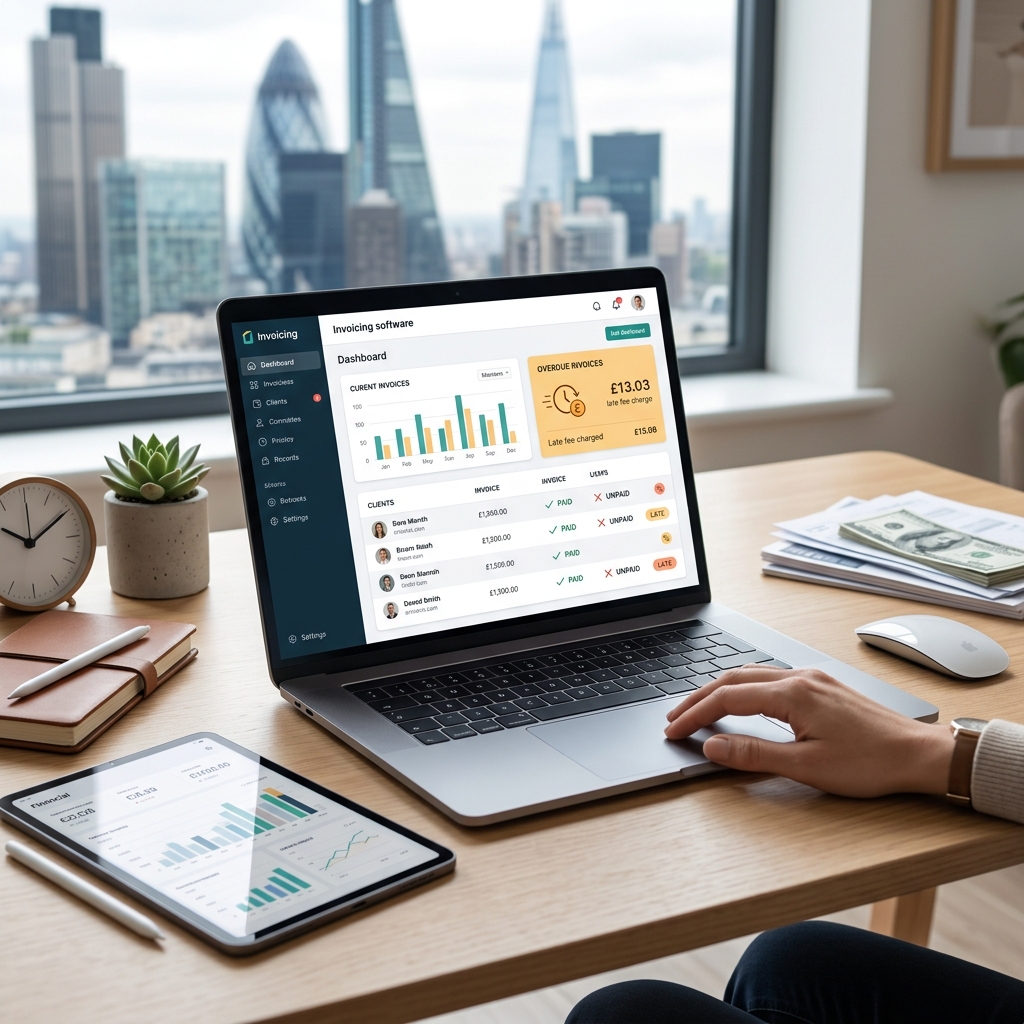
Key Features to Look for in Invoicing Software (2026)
While late fee automation is crucial, the best invoicing software offers a comprehensive suite of features. Here’s what to look for in 2026:
- Recurring Invoices: Essential for subscription-based businesses or those with regular clients.
- Payment Gateways: Seamless integration with popular UK payment processors like Stripe, PayPal, and direct debit options.
- Time Tracking: Accurately track billable hours, particularly important for freelancers and consultants.
- Expense Tracking: Log business expenses to simplify tax reporting.
- Reporting: Generate insightful reports on outstanding invoices, revenue, and payment trends.
- Mobile Accessibility: Invoice on the go with dedicated mobile apps (iOS and Android).
- AI-Powered Invoice Creation: By 2026, expect AI to assist with invoice creation, automatically populating details from client data and even suggesting appropriate descriptions based on past invoices.
- Automated Reminders: Configurable reminders before and after invoice due dates.
- Integration with Accounting Software: Seamless data transfer to popular accounting packages like Xero and QuickBooks.
Top 7 Invoicing Software with Late Fees (UK – 2026)
1. Zoho Invoice – Professional Plan (£18/month)
Zoho Invoice offers a robust feature set at a competitive price. The Professional plan allows for unlimited invoices and clients. Late fee automation is easily configured with percentage-based options.
| Feature | Details |
|---|---|
| Late Fee Automation | Percentage-based, configurable |
| Users | Up to 3 users |
| Recurring Invoices | Yes |
| Payment Gateways | Stripe, PayPal, Authorize.net |
Pros: Affordable, feature-rich, excellent customisation options.
Cons: Can be complex to set up initially, reporting isn’t as intuitive as some competitors.
2. FreshBooks – Plus Plan (£25/month)
FreshBooks is known for its user-friendly interface and focus on service-based businesses. The Plus plan supports up to 5 clients and includes automated late fee reminders.
| Feature | Details |
|---|---|
| Late Fee Automation | Fixed amount or percentage-based |
| Users | Up to 5 users |
| Recurring Invoices | Yes |
| Payment Gateways | Stripe, PayPal |
Pros: Very easy to use, excellent customer support, strong mobile app.
Cons: Can become expensive as your client base grows, limited inventory management.
3. Xero – Growing Plan (£36/month)
Xero is a comprehensive accounting platform that includes powerful invoicing features. The Growing Plan supports unlimited invoices and bills, and offers flexible late fee options.
| Feature | Details |
|---|---|
| Late Fee Automation | Fixed amount or percentage-based |
| Users | Unlimited users |
| Recurring Invoices | Yes |
| Payment Gateways | Stripe, GoCardless, PayPal |
Pros: Scalable, integrates seamlessly with other business tools, robust reporting.
Cons: Steeper learning curve than some other options, can be expensive for very small businesses.
4. QuickBooks Online – Plus Plan (£32/month)
QuickBooks Online is another popular accounting solution with strong invoicing capabilities. The Plus Plan allows for tracking income and expenses, managing bills, and automating late fees.
| Feature | Details |
|---|---|
| Late Fee Automation | Percentage-based |
| Users | Up to 5 users |
| Recurring Invoices | Yes |
| Payment Gateways | Stripe, PayPal |
Pros: Widely used, excellent support resources, integrates with a vast ecosystem of apps.
Cons: Can be complex for beginners, pricing can increase significantly with add-ons.
5. FreeAgent – Full Plan (£42/month)
FreeAgent is specifically designed for freelancers and small businesses. The Full Plan includes comprehensive invoicing, expense tracking, and automated late fee reminders.
| Feature | Details |
|---|---|
| Late Fee Automation | Fixed amount or percentage-based |
| Users | Unlimited users |
| Recurring Invoices | Yes |
| Payment Gateways | Stripe, PayPal |
Pros: User-friendly, excellent for self-employed individuals, integrates with HMRC.
Cons: Less suitable for larger businesses with complex accounting needs, limited customisation options.
6. Sage Business Cloud Accounting – Accounting Start (£12/month)
Sage is a well-established name in accounting. Accounting Start offers basic invoicing functionality, including late fee application, and integrates with other Sage products.
| Feature | Details |
|---|---|
| Late Fee Automation | Fixed amount |
| Users | 1 user |
| Recurring Invoices | Yes |
| Payment Gateways | Limited options |
Pros: Reputable brand, integrates with other Sage solutions, affordable entry-level plan.
Cons: Limited features in the entry-level plan, can be less intuitive than other options.
7. Invoice2go – Unlimited Plan (£29/month)
Invoice2go is a mobile-first invoicing solution ideal for businesses on the move. The Unlimited plan offers unlimited invoices and clients, and includes automated late fee reminders.
| Feature | Details |
|---|---|
| Late Fee Automation | Percentage-based |
| Users | Up to 5 users |
| Recurring Invoices | Yes |
| Payment Gateways | Stripe, PayPal |
Pros: Excellent mobile app, easy to use, good value for money.
Cons: Desktop version is less feature-rich than the mobile app, limited reporting options.
Comparing Late Fee Structures: What to Watch Out For
Different invoicing software offers varying ways to calculate late fees. Here’s a breakdown:
- Percentage-Based: A percentage of the invoice total is added as a late fee (e.g., 5% after 30 days).
- Fixed Amount: A fixed fee is applied regardless of the invoice amount (e.g., £10 after 14 days).
- Tiered Fees: Late fees increase over time (e.g., 2.5% after 30 days, 5% after 60 days).
Legal Considerations: Under UK law, late fees must be ‘fair’ and ‘reasonable’. Clearly state your late fee policy in your terms and conditions. The Consumer Rights Act 2015 prohibits unfair terms. Best practice: Communicate the late fee policy clearly on your invoices and in your initial contracts with clients.
Setting Up Automated Late Fees: A Step-by-Step Guide
The process varies slightly depending on the software, but here’s a general guide using Xero as an example:
- Navigate to Invoice Settings: In Xero, go to ‘Settings’ > ‘Invoice Settings’.
- Late Fee Rules: Select the ‘Late Fees’ tab.
- Enable Late Fees: Toggle the ‘Apply late fees’ switch to ‘On’.
- Configure Late Fee Options: Choose your preferred calculation method (percentage or fixed amount).
- Set Trigger Dates: Specify the number of days after the invoice due date before late fees are applied.
- Save Changes: Save your settings.
(Screenshots would be included here in a live article)
Beyond Late Fees: Optimising Your Invoicing Process
While late fees are a valuable tool, preventing late payments in the first place is even more effective:
- Offer Early Payment Discounts: Incentivise clients to pay promptly.
- Send Payment Reminders: Automated reminders before and after the due date can significantly reduce late payments.
- Establish Clear Payment Terms: Clearly define payment terms (e.g., net 30 days) in your invoices and contracts.
- Accept Multiple Payment Methods: Make it easy for clients to pay you using their preferred method.
- Maintain Good Client Communication: Proactive communication can help address any potential payment issues before they arise.
Future Trends in Invoicing Software (2026 & Beyond)
The future of invoicing software is likely to be shaped by several emerging trends:
- Enhanced Integration with Accounting Software: Even more seamless data transfer and automation.
- AI-Powered Invoice Processing: AI will automate tasks like data extraction, invoice matching, and fraud detection.
- Blockchain-Based Payment Solutions: Increased security and transparency through the use of blockchain technology.
- Open Banking Integration: Direct access to client’s bank accounts for faster and more secure payments (with client consent).
- Predictive Analytics: Software will predict which invoices are likely to be paid late, allowing you to proactively address potential issues.
FAQ
Q: Are late fees legally enforceable in the UK?
Yes, as long as they are ‘fair’ and ‘reasonable’ and clearly communicated in your terms and conditions. The Consumer Rights Act 2015 is the governing legislation.
Q: What is the best invoicing software for a freelancer?
FreeAgent is specifically designed for freelancers and offers a comprehensive suite of features at a competitive price. FreshBooks is also a strong contender due to its ease of use.
Q: Can I customise the late fee message that is sent to clients?
Most invoicing software allows you to customise the late fee message, enabling you to maintain a professional and friendly tone while still enforcing your payment terms.
Q: What payment gateways are commonly supported by UK invoicing software?
Stripe, PayPal, and GoCardless are the most commonly supported payment gateways in the UK. Many also support direct debit options.
Q: How important is mobile accessibility in invoicing software?
Very important. Being able to invoice on the go, check payment statuses, and send reminders from a mobile device is crucial for many businesses.